

How to prepare your first shipment for pickup.
Atlasship Editorial
3 min read · Oct 4, 2026
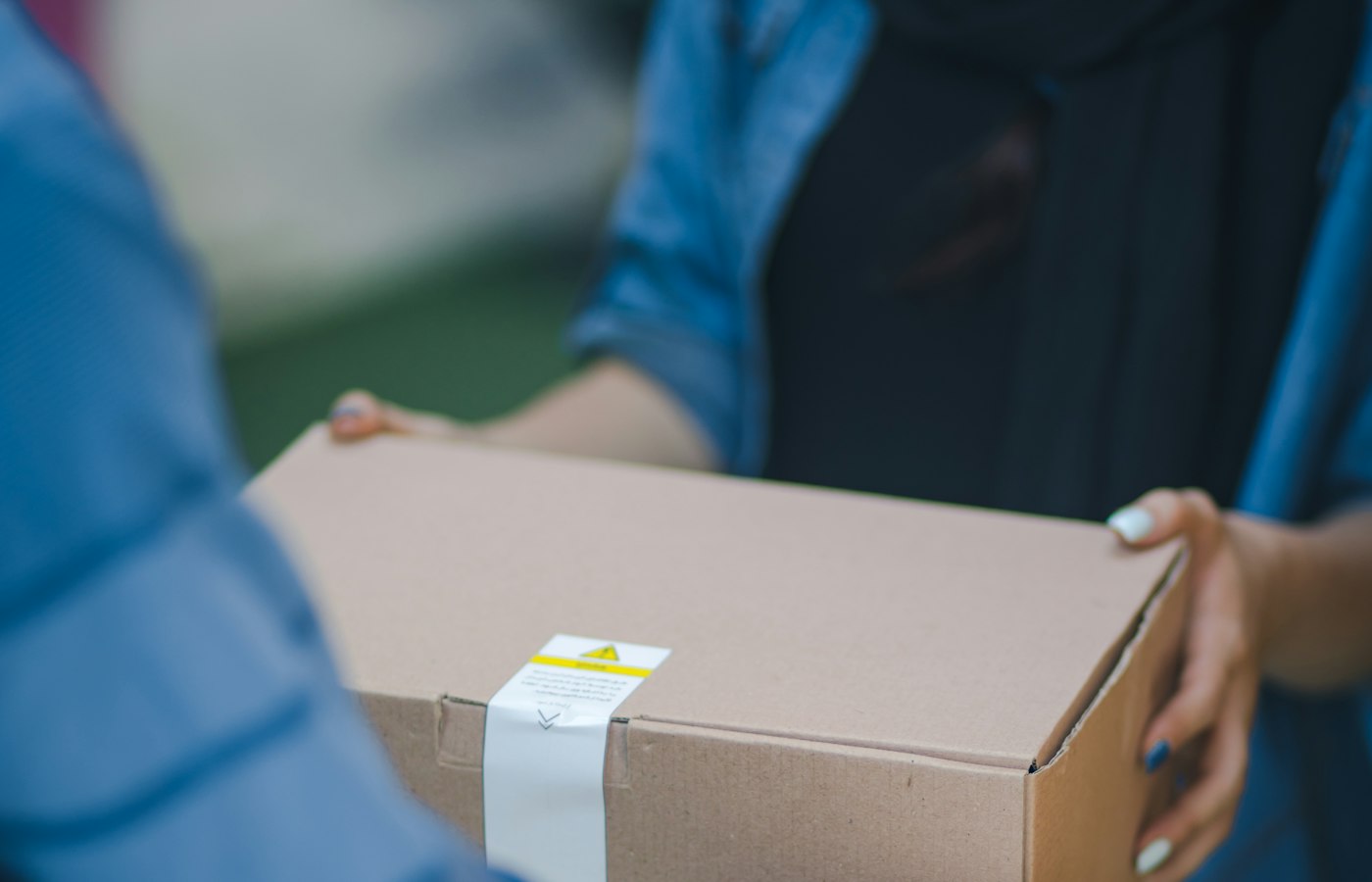
Your first booking is smoother when the box the hub scans is the box you described. Measure, seal, and label before you pay, then stay reachable for the pickup window.
Before you open the booking form
Measure the outer carton in centimetres and weigh it. The quote uses those numbers, and the hub weighs the same carton. If the box is larger or heavier than you entered, the chargeable weight can change after pickup and the difference is taken from your wallet.
Check both pincodes before you pay. AtlasShip checks whether the lane is serviceable with Delhivery. A pincode can still be serviceable and sit in an out-of-delivery area, which adds a surcharge. That note belongs on the quote, not on a surprise after the box has left.
Choose the weight category that matches the parcel: under 5 kg for documents and small boxes, 5 to 10 kg for a medium carton, 10 to 20 kg for luggage and larger appliances, and above 20 kg only when a single package is heavier. Each package is limited to 25 kg.
Pack so the scan matches the booking
A booking for two boxes should be two sealed cartons, not one carton and a loose bag. Fill empty space so nothing rattles, and seal every seam with tape, including the bottom. Write the receiver’s name and phone on the carton as well as on the label. Labels tear, and the handwritten line is what the hub uses when a sticker fails.
Keep documents in a pouch on the outside if you are sending paperwork with the parcel. Do not bury invoices inside the carton. If the contents are fragile, wrap each item and use a carton that will not crush when it is stacked. A fragile sticker does not replace padding.
Book, then stay reachable
Log in with your mobile number, enter the pickup and delivery details, select the weight category, enter the number of packages, and confirm. Delhivery receives the pickup request from that booking.
Pickups are typically completed within 24 to 48 hours, excluding Sundays and public holidays. Someone needs to be at the address with the sealed shipment and a working phone. If no executive has called after 48 hours, contact support with the order id.
After the booking exists
You get a waybill or LR number. Track it on the tracking page or under Orders in your account. You can cancel from Orders any time before pickup is completed, and the booking amount returns to your wallet. Once the courier has the box, the address and package details cannot be changed. If something was wrong, cancel before pickup and book again.
Save the waybill before you hand the box over. Support and tracking both start from that number.
A short checklist
- Outer dimensions and weight match what you typed
- The receiver pincode is serviceable
- Every box is sealed, labelled, and counted
- Someone is available during the pickup window
- The waybill number is saved
When you are ready, compare a rate for the lane and book only after the quote matches the carton in front of you.
Compare BlueDart, Delhivery, Ekart and Gati in one step.
Compare a rateAtlasship Editorial
Practical shipping guides for students, sellers, and anyone booking their first pickup on AtlasShip.
Responses · 2
Meera K.
Booked the first carton from one login. The quote showed the extra charge before we paid.
Arjun P.
Useful when the lane changes. A single carrier contract is still simpler when the route never does.